Contents Menu Expand Light mode Dark mode Auto light/dark mode Auto light/dark, in light mode Auto light/dark, in dark mode Skip to content
TermVisage 0.2.0 documentation
Logo
TermVisage 0.2.0 documentation

Contents:

  • Installation
  • Gallery
  • General Concepts
  • Command-Line Interface
  • Terminal User Interface
  • Configuration
  • Planned Features
  • Known Issues
  • FAQs
  • Glossary
Back to top
View this page
Edit this page

Gallery

Render Styles

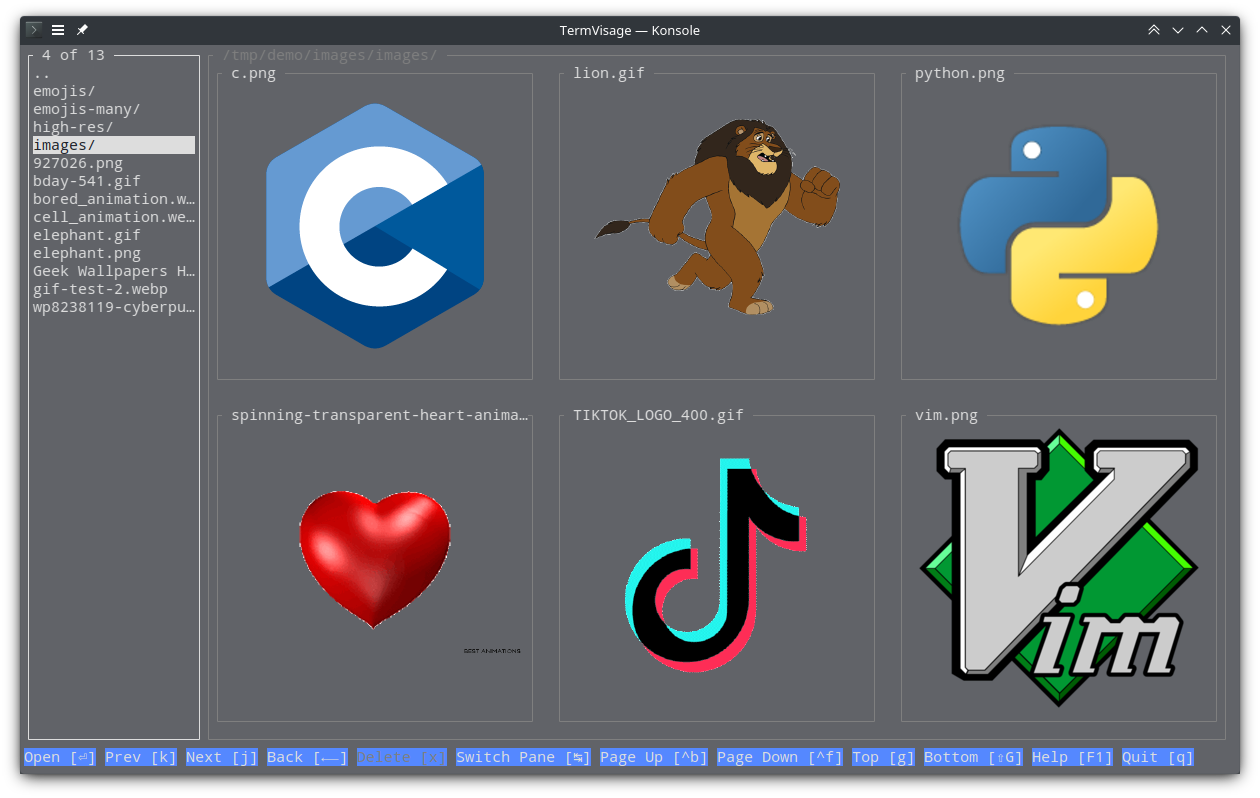
iterm2 render style

Konsole

Wezterm

https://user-images.githubusercontent.com/61663146/233486305-cc3cf661-bcbd-4dda-8a6c-26702ab1336e.png https://user-images.githubusercontent.com/61663146/233488248-8c5750d2-9281-4a96-b0f4-32d61c29b02c.png

kitty render style

Kitty

Konsole

https://user-images.githubusercontent.com/61663146/233488260-6e7ce3fe-7561-44f7-aafe-d7a708e14758.png https://user-images.githubusercontent.com/61663146/233488267-eaf46bf4-21b4-4055-b7a2-64607f234472.png

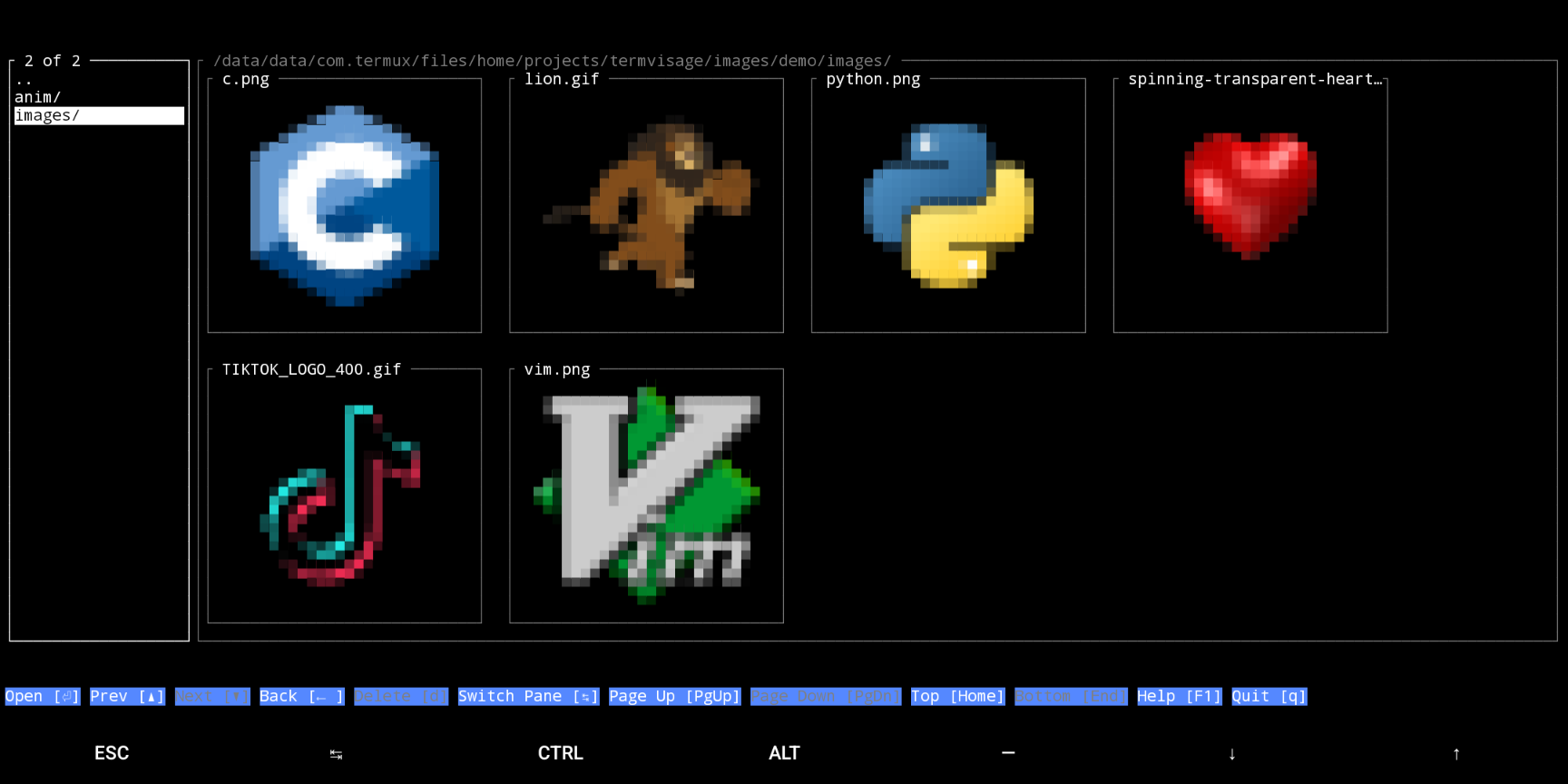
block render style

Alacritty

Terminator

https://user-images.githubusercontent.com/61663146/233488229-d4d0258c-2567-4b2a-ba38-8546b886fba3.png https://user-images.githubusercontent.com/61663146/233488238-eba87c77-0511-463e-8f39-97f5c405f15c.png

Termux

https://user-images.githubusercontent.com/61663146/233488245-9e2b184e-c497-4350-b122-0e795212a9f7.png

Feature Highlights

Image Grids

  • Smooth and fast navigation

  • Mouse support for selection

  • Can maximize selected image cell

  • Adjustable cell size

  • Handles large grids efficiently

  • Concurrent/parallel rendering

  • Low memory consumption (compared against conventional viewers)

High resolution images

https://github.com/AnonymouX47/termvisage/assets/61663146/acb754f1-30d7-4477-85f3-9688d2aae5da https://github.com/AnonymouX47/termvisage/assets/61663146/938ccc20-39d4-4f15-8f3e-1960543fd895
  • Rendering doesn’t affect interface responsiveness

  • Low memory consumption (compared to conventional viewers)

Animated images

  • All major formats supported: GIF (with alpha channel support), Animated PNG, Animated WEBP

  • Looping control

  • Speed/Frame duration control

Recursive browsing

  • Smooth and responsive navigation

  • Scans directories concurrently

  • Handles large directories efficiently

Sizing (CLI only)

  • Size images based on terminal size or original image size.

  • Specify image width or height (in columns or lines respectively).

Alignment/Padding (CLI only)

  • Adjust the padding width and height of images.

  • Adjust the horizontal and vertical alignment of images within the given padding.

  • Display images without padding.

Next
General Concepts
Previous
Installation
Copyright © 2023, Toluwaleke Ogundipe
Made with Sphinx and @pradyunsg's Furo
On this page
  • Gallery
    • Render Styles
      • iterm2 render style
      • kitty render style
      • block render style
    • Feature Highlights
      • Image Grids
      • High resolution images
      • Animated images
      • Recursive browsing
      • Sizing (CLI only)
      • Alignment/Padding (CLI only)